Looking for a modern Ksnip Alternative?
Ksnip set the standard for Linux screenshot annotations. Screention brings that beloved markup workflow into the modern era — with a lightweight Rust engine, seamless Wayland support, offline OCR, and zero Qt bloat.
$ curl -fsSL https://screention.gkernel.com/install.sh | bashAutomatically detects CPU (amd64 / arm64), fetches the latest .deb, and configures shortcuts.
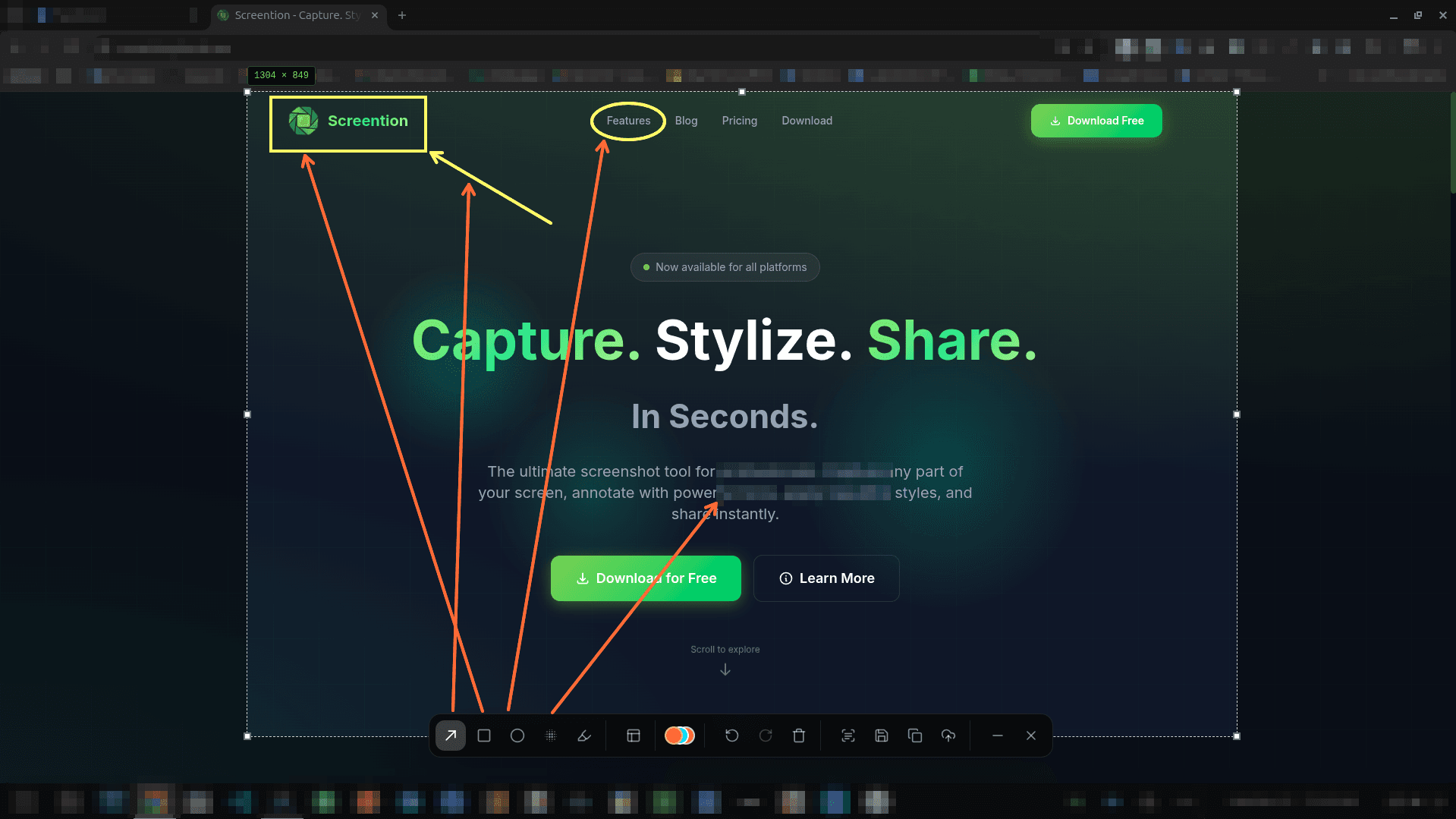
Ksnip vs. Screention
Here is an honest breakdown of how Screention compares to Ksnip for everyday Linux desktop workflows.
The markup tools you love, re-engineered for speed
Built with modern web technologies and Rust for lightning-fast rendering.
Instant Region Capture
Capture your desktop in milliseconds with live dimension readouts and keyboard arrow micro-adjustments.
Arrows, Shapes & Pen
Draw directional arrows, frame areas with rectangles or ellipses, and add freehand markup in 12 curated colors.
Gaussian Blur & Pixelate
Safely hide credentials, API keys, and private messages with instant blur before pasting or saving.
Offline OCR to Clipboard
Extract text from any non-selectable screen element straight to your clipboard with zero network calls.
No Qt Runtime Dependencies
Native compiled binary. No messy shared Qt library conflicts or missing font renderer crashes.
100% Local-First Privacy
All captures, OCR, and history stay on your computer. No account required, no unexpected telemetry.
Frequently asked questions
Why look for an alternative to Ksnip?
Ksnip was one of the most capable screenshot annotation tools on Linux for years. However, development on the upstream repository has slowed significantly, and users frequently experience issues with Qt dependency conflicts, high memory usage, and Wayland compatibility. Screention was built from the ground up with Rust to provide an actively maintained, fast, and modern alternative.
How does Screention compare to Ksnip's annotation capabilities?
Screention offers all the core markup features Ksnip users rely on: freehand pen, directional arrows, rectangles, ellipses, text notes, highlighters, and privacy blur/pixelation. In addition, Screention includes built-in offline OCR text extraction and a QR/barcode scanner.
Does Screention run on Wayland without issues?
Yes. Many Ksnip users struggled with Wayland capture or black windows on modern GNOME and KDE Plasma desktops. Screention connects directly to the native XDG Desktop Portal and includes an automatic grim fallback for tiling compositors like Sway and Hyprland.
How does Screention compare to Ksnip in system overhead?
Ksnip requires extensive Qt/KDE runtime libraries and frameworks. Screention uses a lean Rust core with minimal background resource consumption when idle in the tray.
Can I use Screention offline?
Yes. Screention is 100% local-first. All screenshots, annotations, and OCR operations take place entirely on your device without requiring an account or network connection.